How to countdown to an event
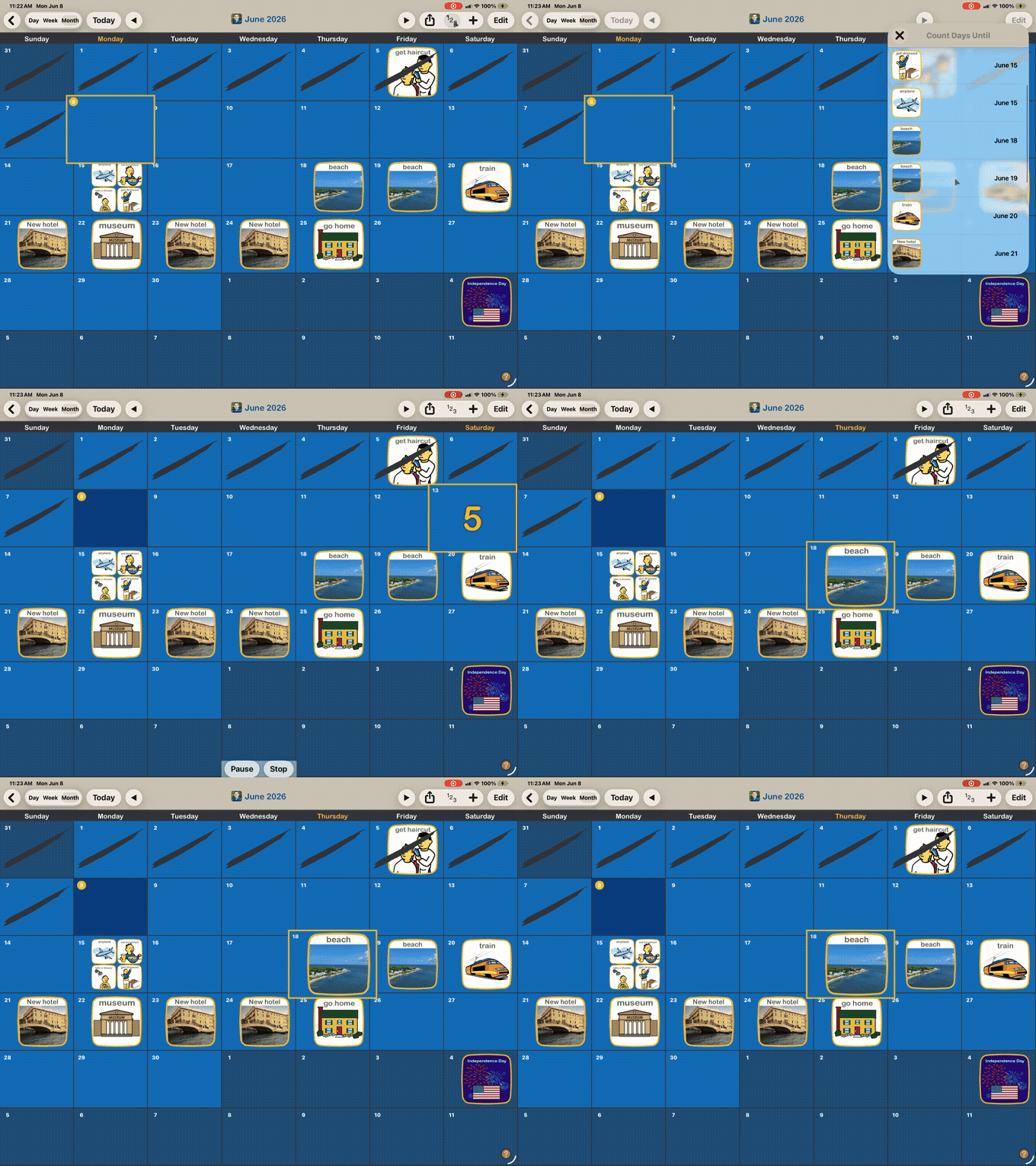
You can use the countdown feature to visually and auditorily count number of days until a future event. Kids enjoy using this feature when waiting for a highly anticipated event like a birthday, vacation or special occasion. Note: You can not countdown to events that are more than 60 days in the future.
1. Open Countdown Menu
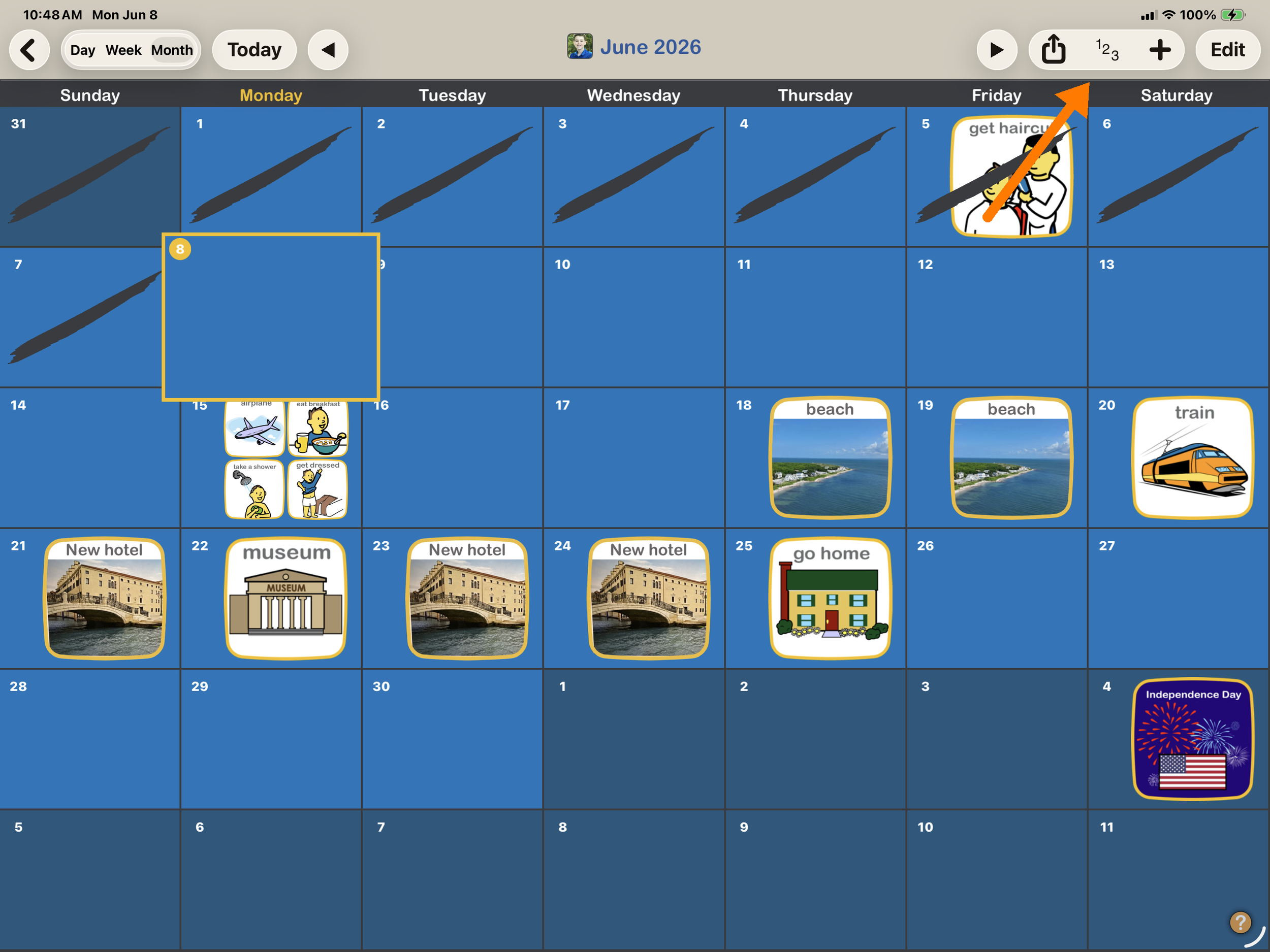
Open the countdown menu using the “123” button in the corner.
2. Select an event
From the countdown menu, select the desired event and the countdown will begin. You can pause or stop an in progress downtown using the buttons that appear at the bottom.