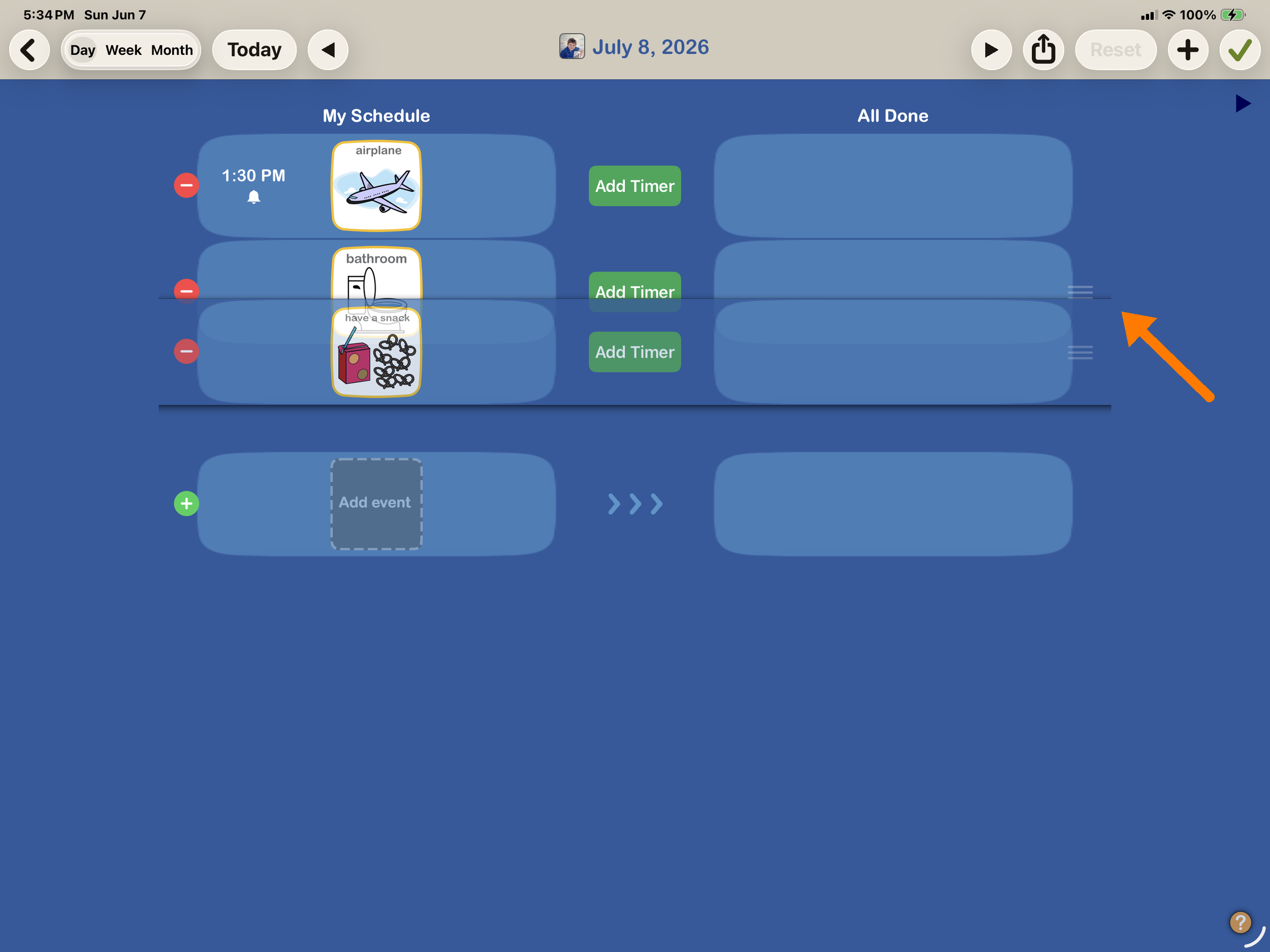
How to reorder Calendar events
You can easily change the order of events using the day view of your Calendar.
1. Open Calendar
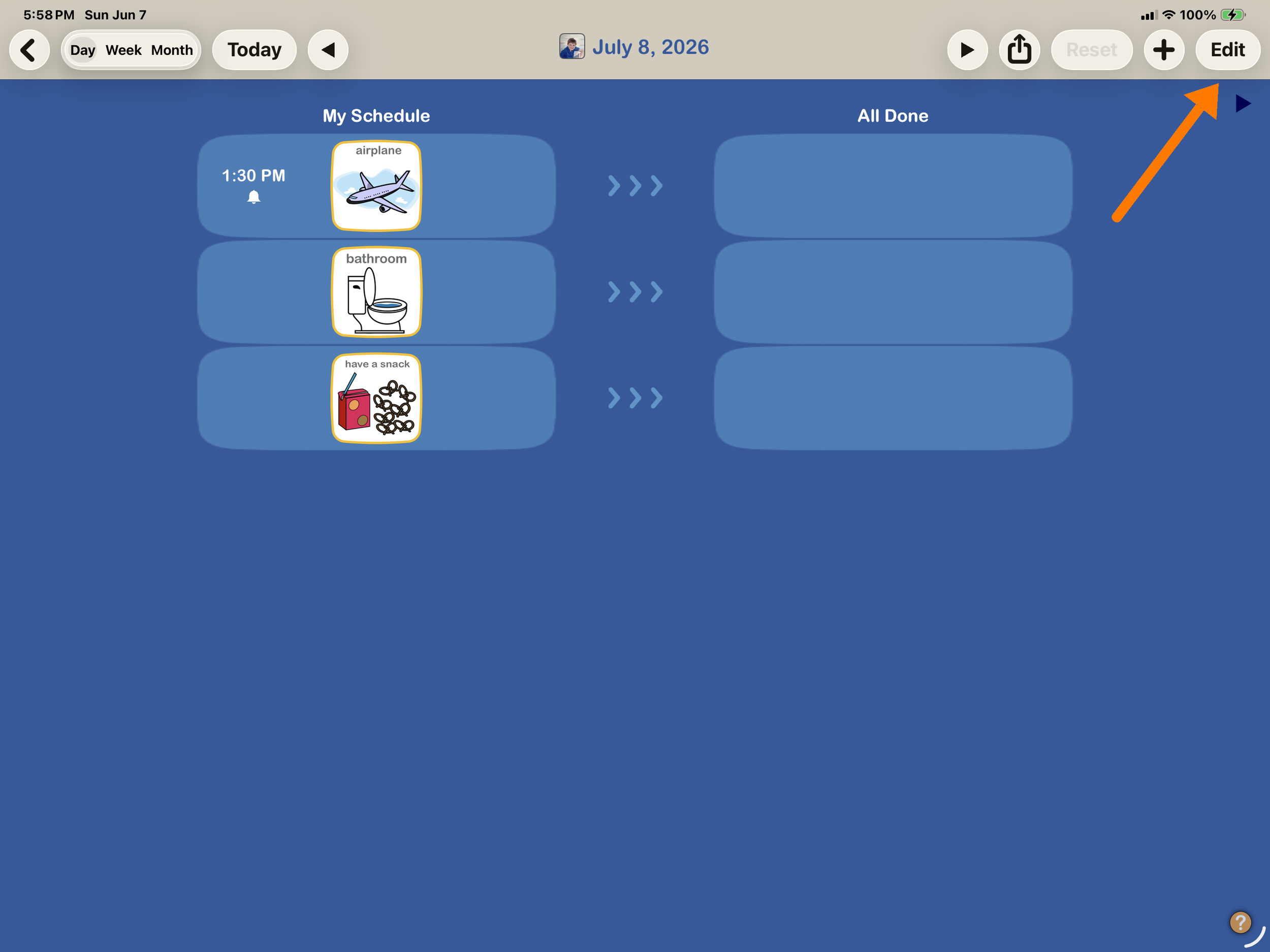
Open the calendar, and select the day that has events you want to reorder. Tap Day view then tap the Edit button.
2. Reorder events
Events with a time are placed in time order automatically, so they don't show a dragger (the time decides their spot, no need to drag).
Select the image you want to move by pressing and holding the 3 gray draggers. Drag event up or down to put in order you want.